
Introduction
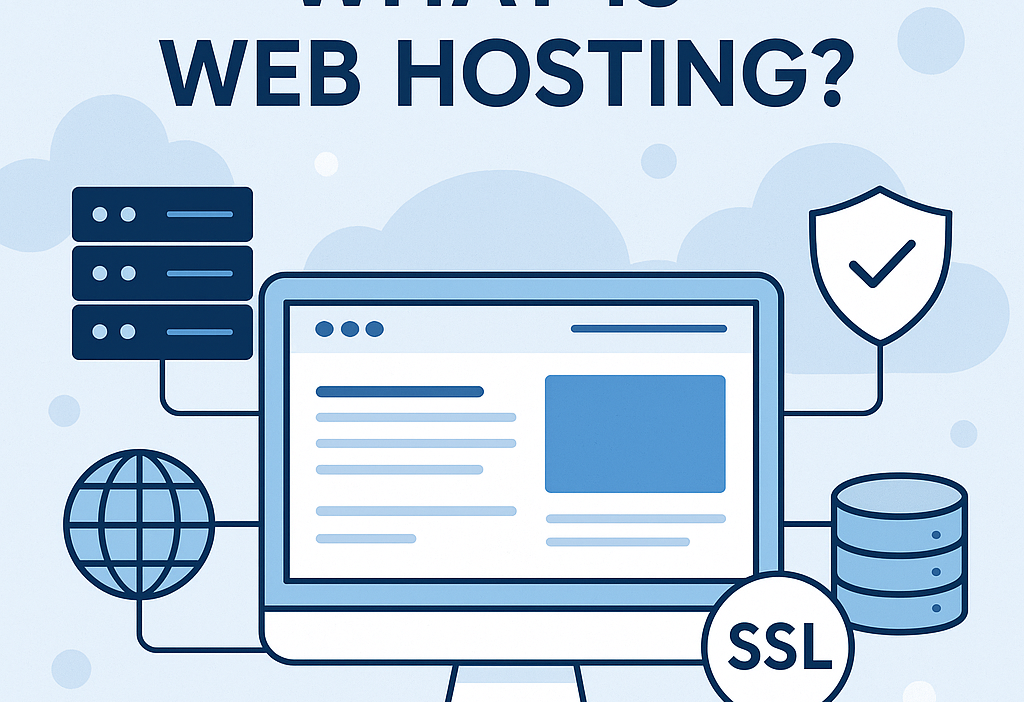
If you’ve ever considered launching a website, you’ve probably come across the term “hosting”. But what exactly does it mean? In the simplest terms, hosting is the service that allows your website to be available on the internet. Think of it as renting space online to store all your website’s files, images, and data.
This guide will walk you through the basics of web hosting, its types, and how to choose the right one for your needs.

1. What Is Web Hosting?
Every website you visit is hosted on a server. A server is a powerful computer that stores website data and makes it accessible via the internet. When someone types your domain name (like yourbusiness.com) into their browser, that request goes to the server hosting your site, and it sends back the necessary files to load your web pages.
In essence:
- Your domain name is like your street address.
- Your web hosting is the actual house.
Without hosting, your domain would lead to nowhere.
2. How Web Hosting Works
Here’s a basic breakdown:
- You build your website using code, a CMS like WordPress, or a builder.
- You buy a domain name (like example.com).
- You sign up for a hosting service and upload your website files.
- When users visit your domain, the hosting server sends them the data to display your site.
Most hosting providers offer tools and dashboards (like cPanel) to help manage files, databases, email, and more.
3. Why Hosting Is Important
Web hosting impacts several critical aspects of your website:
- Speed: Fast hosting = quicker load times.
- Security: Good hosts provide malware protection and backups.
- Uptime: Reliable hosts keep your website live with minimal downtime.
- Support: Technical help when things go wrong.
Without reliable hosting, your website could be slow, insecure, or even unavailable.
4. Types of Web Hosting
There’s no one-size-fits-all when it comes to hosting. Here are the most common types:
a. Shared Hosting
- Best for: Beginners and small websites
- How it works: Multiple sites share one server and its resources
- Pros: Affordable, easy to set up
- Cons: Limited speed and performance if other sites on the server are busy
b. VPS Hosting (Virtual Private Server)
- Best for: Growing websites
- How it works: One server is divided into several virtual servers
- Pros: More control and resources, scalable
- Cons: More expensive than shared hosting, may require technical knowledge
c. Dedicated Hosting
- Best for: Large businesses, high-traffic websites
- How it works: You get the entire server to yourself
- Pros: Full control, high performance
- Cons: Expensive, requires server management skills
d. Cloud Hosting
- Best for: Websites needing scalability and reliability
- How it works: Uses multiple servers to host a website
- Pros: Scalable, fast, reliable uptime
- Cons: Can be complex, pricing varies with usage
e. Managed WordPress Hosting
- Best for: WordPress sites
- How it works: Hosting is optimized for WordPress and includes updates and backups
- Pros: Hassle-free, secure, fast
- Cons: Limited to WordPress, higher cost
5. Key Features to Look For
When choosing a host, keep these features in mind:
- Uptime Guarantee: Look for 99.9% or higher
- Speed: Fast server response time
- Storage & Bandwidth: Ensure enough for your needs
- Security: SSL certificate, firewalls, DDoS protection
- Backups: Daily or weekly backups are a must
- Support: 24/7 chat, phone, or ticket system
6. Free vs Paid Hosting
Free Hosting might be tempting but usually comes with:
- Limited storage and bandwidth
- Unwanted ads
- Lack of custom domain support
- No real support or security
Paid Hosting gives you:
- Full control
- Reliable performance
- Better customer support
- Professional branding with your own domain
For serious projects, paid hosting is strongly recommended.
7. Registering a Domain vs Hosting a Website
It’s easy to confuse domain registration with web hosting, but they are different:
- Domain Name = your website address (e.g., yourstore.com)
- Web Hosting = storage space for your website files
You can register your domain through one provider (like Namecheap) and host it somewhere else (like Bluehost). Or use one company for both.
8. How to Choose the Right Web Hosting Provider
Here’s a simple checklist:
✅ What is your website for? (Blog, business, portfolio, store)
✅ How much traffic do you expect?
✅ What’s your budget?
✅ Do you need email hosting, backups, or eCommerce support?
✅ Do you want managed or unmanaged hosting?
Popular web hosting companies include:
- Bluehost
- Hostinger
- SiteGround
- A2 Hosting
- DigitalOcean (for tech-savvy users)
Compare features, reviews, and pricing before committing.
9. How to Set Up Web Hosting (Step-by-Step)
- Choose a hosting plan
- Register or connect your domain
- Access your control panel (cPanel or custom dashboard)
- Install a CMS like WordPress or upload files via FTP
- Set up email accounts, SSL certificate, backups
- Go live and test your website!
Most providers offer a 1-click install for WordPress, which makes setup super easy.
10. Hosting Tips for Beginners
- Start with shared hosting if you’re just learning
- Upgrade as your website grows
- Use a CDN (Content Delivery Network) for global speed
- Enable HTTPS with a free SSL certificate
- Backup regularly
- Monitor uptime with tools like UptimeRobot

Conclusion
Web hosting is the invisible engine behind every live website. Whether you’re creating a blog, portfolio, or online store, choosing the right hosting plan is the foundation of your online presence.
Start small, learn the basics, and scale as you grow. A solid hosting setup ensures your visitors have a fast, secure, and smooth experience.
Would you like me to:
- Generate a featured image for this blog?
- Turn this into a downloadable PDF or publish-ready HTML version?
- Add internal/external SEO links or schema markup?
Let me know!